
Open. Type.
That’s it.
Every model on
Ollama Cloud
Sign in with your
ollama.com account
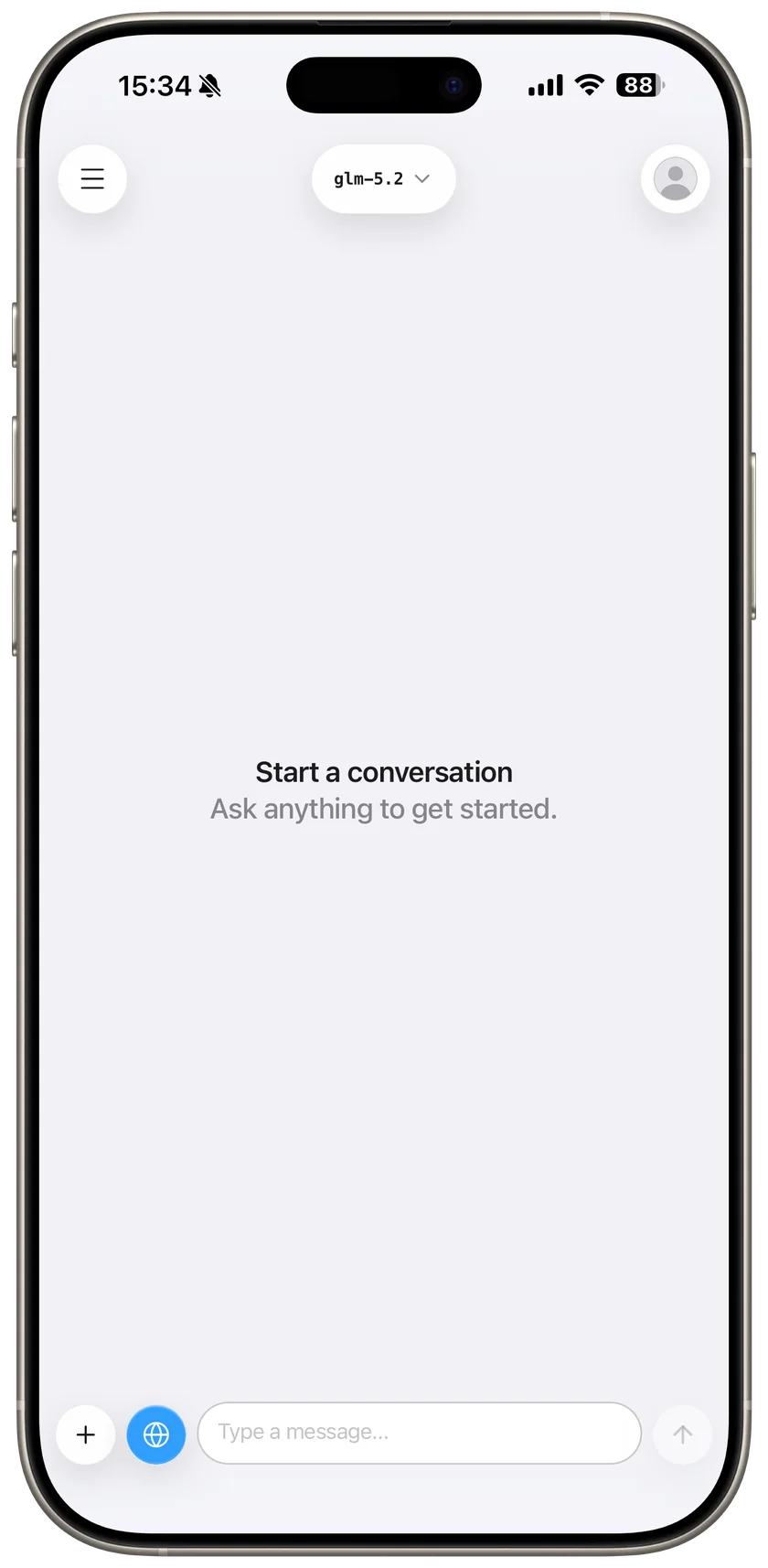
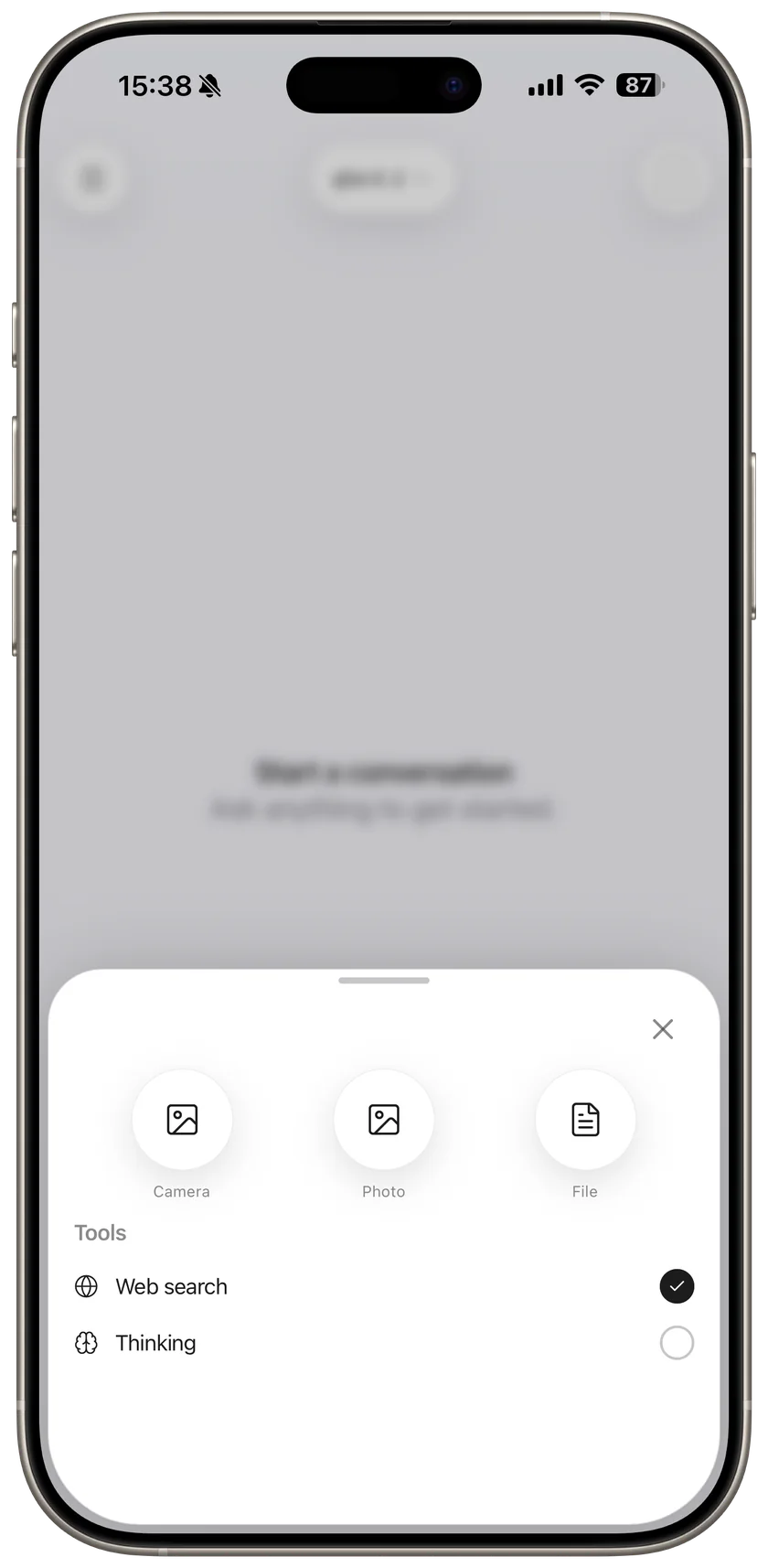
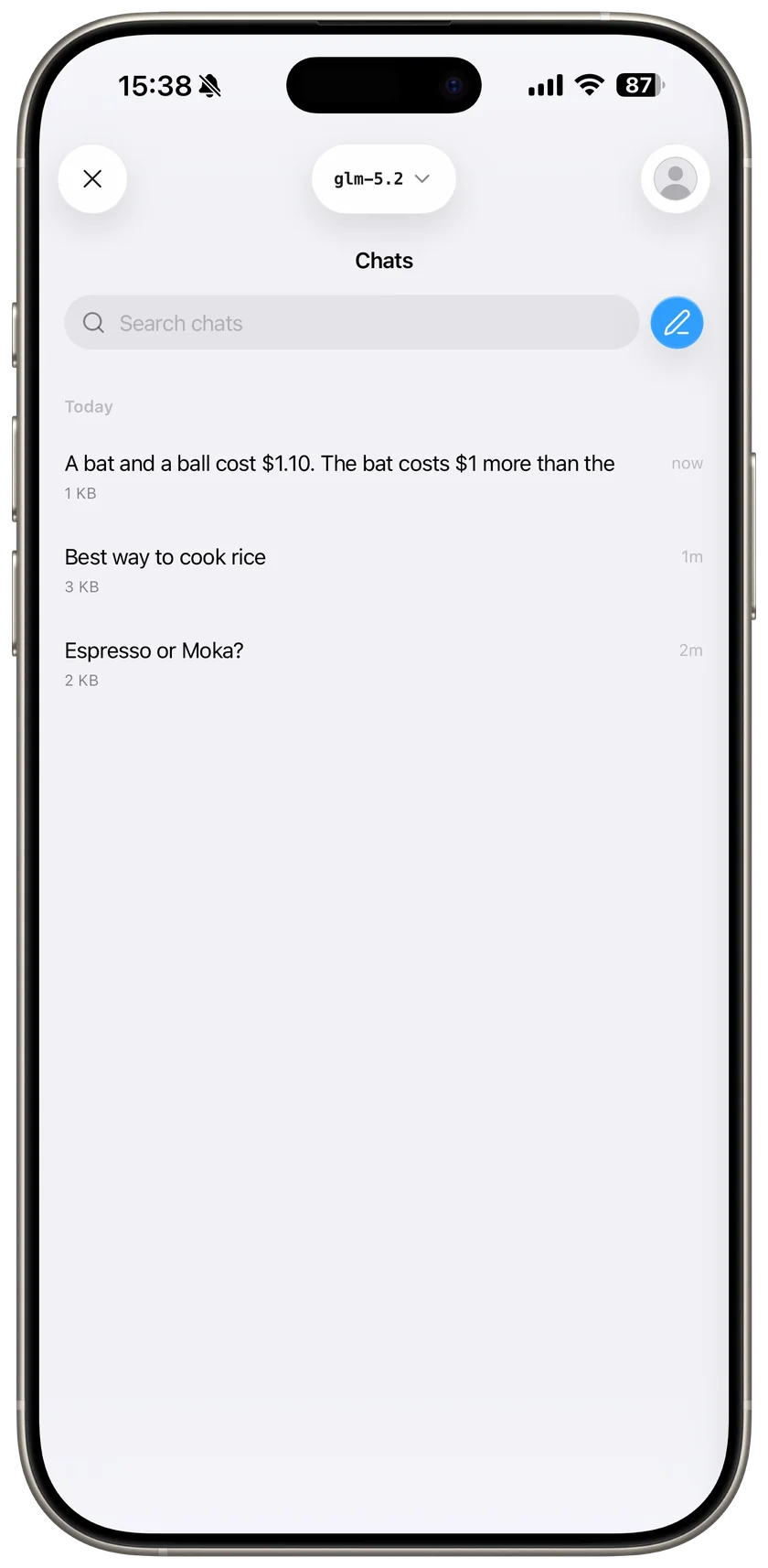
Psst… it’s interactive!
Open models
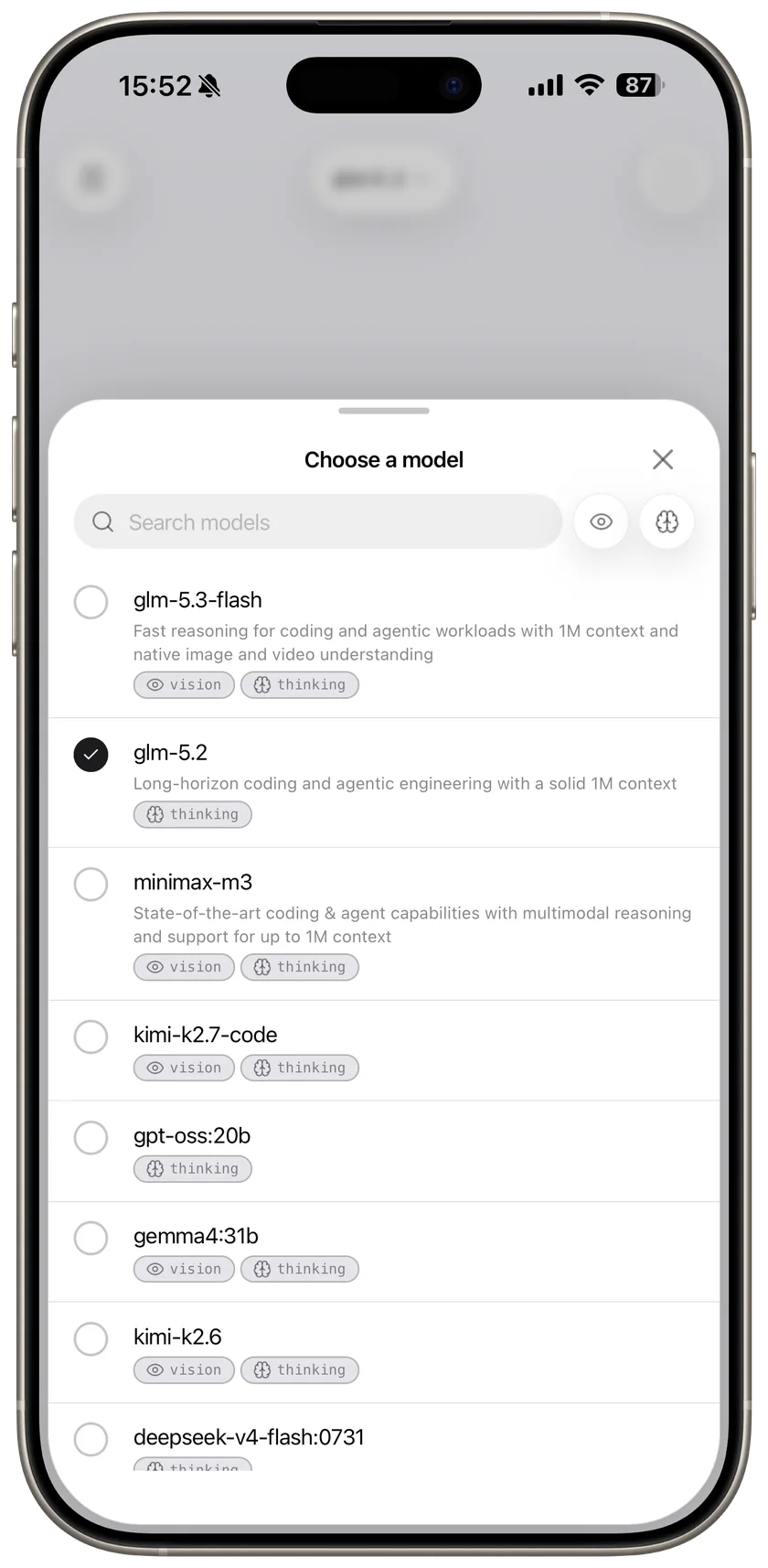
Every model. One tap.
Pick any model on Ollama Cloud and start typing.
Reasoning
Watch it think.
Follow the reasoning as it streams, right above the answer.
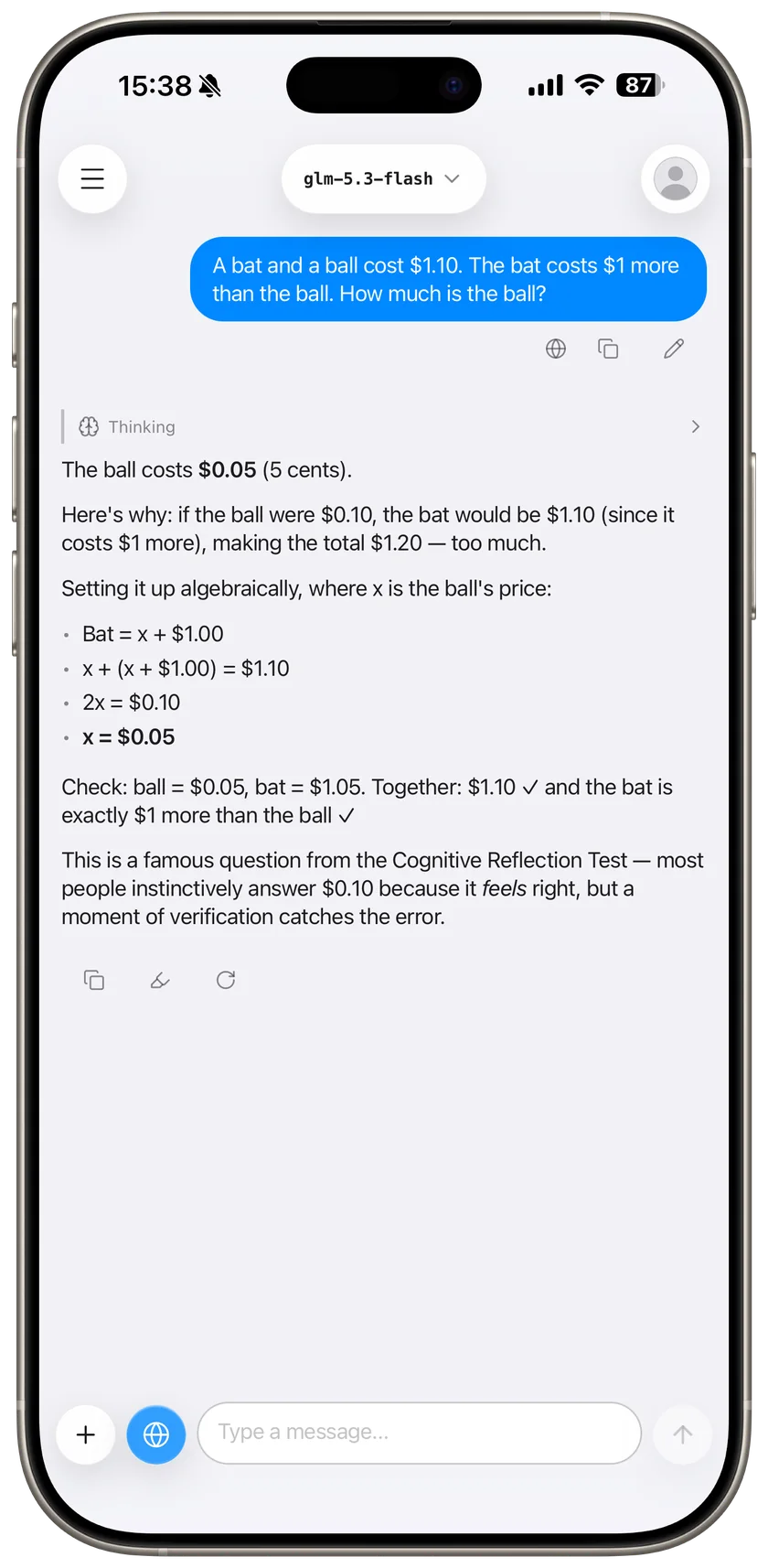
Thinking needs a thinking-capable model.
Every corner, covered.
Attach anything. Photos, screenshots and PDFs. Quock reads a document's text, or runs OCR on your phone when there is none.
Keeps going in the background. Leave mid-answer and it keeps streaming for a while; Quock can tell you when it is ready.
Remembers what matters. A few facts you share, stored on your phone and sent with your messages while memory is on. One switch in Settings.
Private by design. Your history lives on your iPhone, and your messages go only to Ollama Cloud.
Never lose an answer. A reply cut short continues where it stopped, without paying twice.
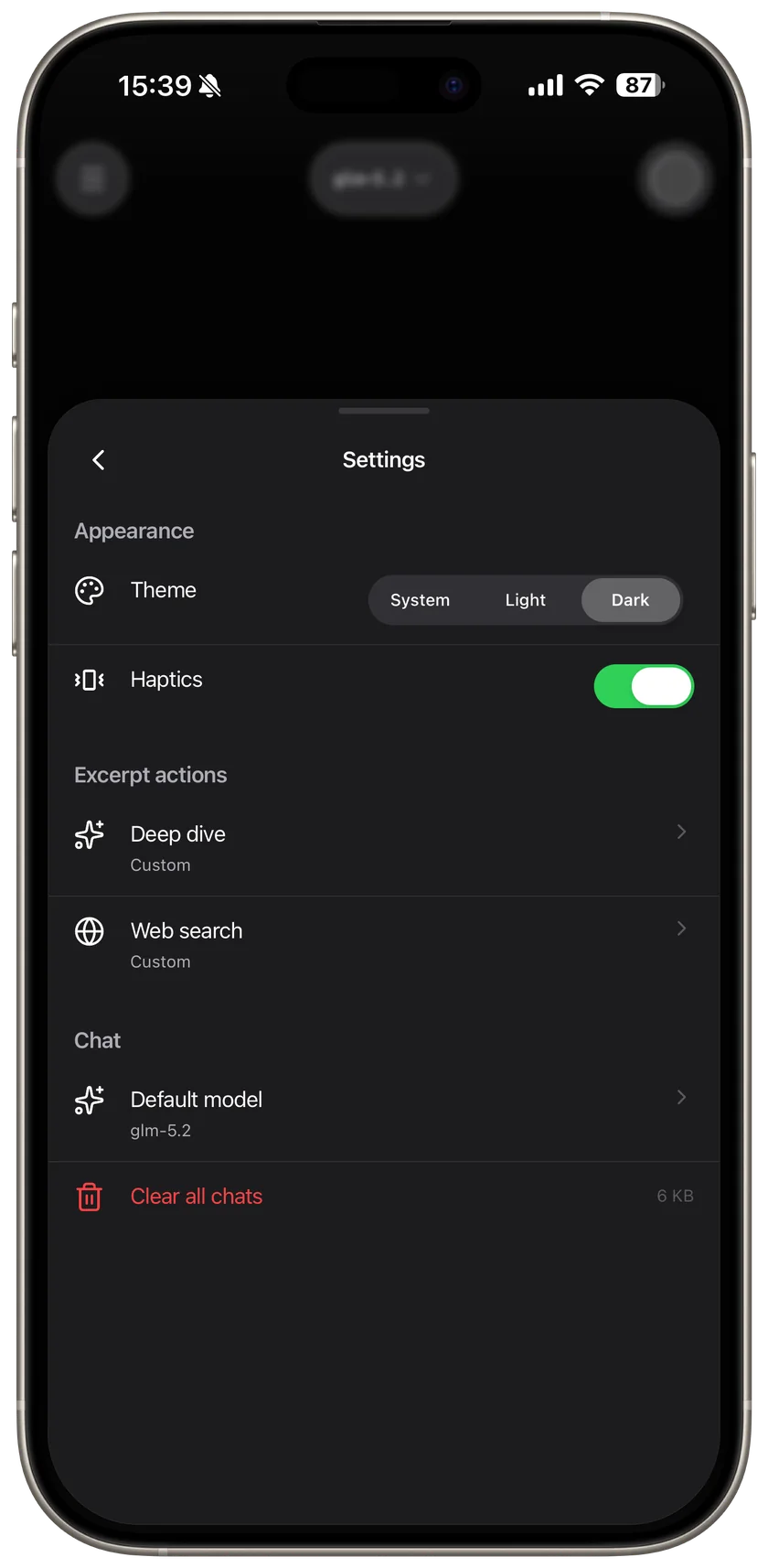
Act on any part. Long-press a paragraph for a Deep dive or a web search. Fork the chat from any reply.
How it works
Ready in minutes.
- 1
Get an ollama.com account.
Ollama Cloud runs open models on Ollama's servers. Create your account at ollama.com, where Ollama also sets the plans and usage limits.
- 2
Download Quock.
Quock is free on the App Store for any iPhone on iOS 15.1 or later.
- 3
Sign in once.
Tap Continue with Ollama and approve Quock on ollama.com. You never type a password into the app; Quock signs every request with a key kept in the iOS Keychain.
- 4
Pick a model and type.
Choose any cloud model and start typing. The reply streams in word by word, and every chat stays on your phone.
Features
Streamed
repliesEvery cloud
modelThinking
on demandLive web
searchOn-device
PDF readingPinned chats
and forksLight and
dark themesFree and
open source
iOS 15.1+ · Free · Sign in with ollama.com